The field manual
How to play
Mine gold, build, grow your population, raise an army, and bring down the enemy's base before their waves bring down yours. Everything below is the game as it plays today.
The goal
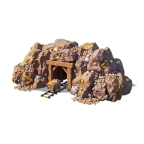 MINE
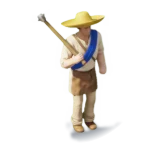 WORKERS
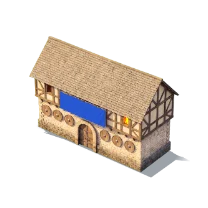 BUILD
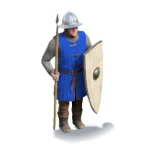
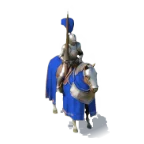 ARMY
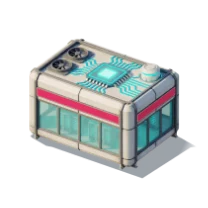 THEIR BASE
more mines, more army
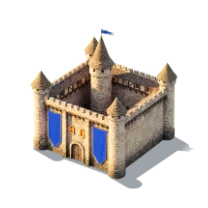
Workers mine gold. Gold raises buildings and trains an army. The army brings down the enemy's Castle or Data center.
A side is out when its last building falls, or when it has nothing left to fight with and no gold to train more. The enemy's base is across the map.
TUTORIAL on the menu walks you through a first game.
Controls on a phone
Hold the phone sideways: the game goes full screen in landscape when you start. On iPhone, Share, then Add to Home Screen.
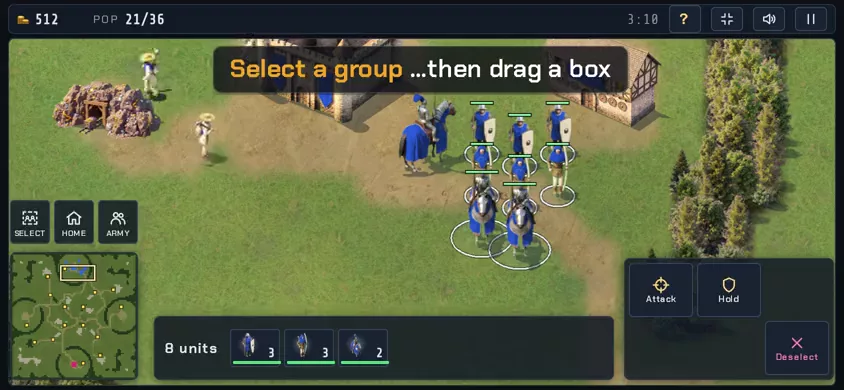

- SELECT: tap it, then drag a box (or hold it and drag with the other hand); lit while a box is armed
- HOME looks at your base; ARMY selects your whole army (again: look at it)
- Minimap: drag to nudge the view, tap to jump
- The command card: hold any button to read what it does and costs; a unit's Deselect is in its last slot
Touch
| Do | How |
|---|---|
| Select | tap a unit or a building (an enemy or a gold mine too, to look at it) |
| Move, attack, mine | with units selected: tap the ground, tap an enemy, tap a gold mine; workers also tap a half-built building to finish it |
| Select a group | press and hold a finger on the map until the ring fills (SELECT lights up), then drag a box without lifting; or tap SELECT, then drag. Lift without dragging and nothing changes. |
| Look around | drag with one finger (flick to glide; a tap stops it); two fingers pan, pinch to zoom |
| All of one type | double-tap one (a factory: all of them, and they train as one) |
| Your whole army | ARMY (again within a second: look at it); HOME looks at your base |
| See what a button does | hold it until its details show, then lift: nothing is pressed; hold the portrait for the unit's full description |
| Build | Build, pick a building, then put a finger on the map: the ghost follows it and is placed where you lift. Red says why and keeps placing; Cancel on the card stops |
More touch habits
- Workers given a job (mine, build, repair, or a building placed) are let go, so your next tap does not pull them off it.
- While an order waits for your tap, its button reads Cancel: tap it to think again.
Controls on a desktop
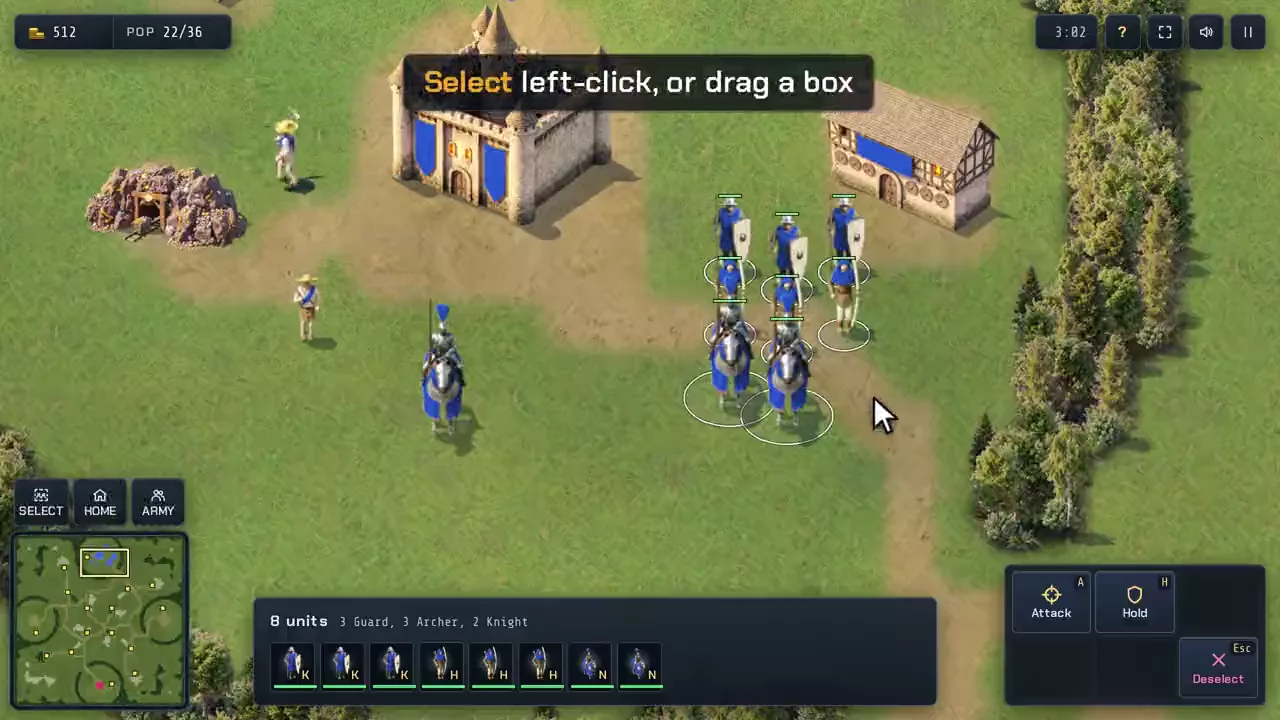

- Gold, and population (the Expedition: GRID)
- Game clock, the ? help, FULL SCREEN, SOUND, PAUSE
- Minimap: click to jump, drag to scroll
- SELECT: click it, then drag a box; HOME looks at your base; ARMY (Q) selects your whole army
- Selection: portrait, name, health, the group's types
- Command card: each button shows its key
- Control groups and the ATTACK alert
Mouse
| Do | How |
|---|---|
| Select | left-click, or drag a box |
| Move, attack, mine | with units selected: click the ground, an enemy or a mine, with the left or the right button; workers also click a half-built building, and right-click a damaged one to repair it |
| Move the map | hold the middle button and drag, or the arrow keys, or the screen's edge |
| Zoom | Ctrl+wheel, or a trackpad pinch |
| All of one type on screen | double-click one (on a factory: all of them, and they train as one) |
Keyboard
In one of two schemes (OPTIONS, on the menu's first page or the pause card):
| Classic | WASD | |
|---|---|---|
| Move the map | arrows or the screen's edge (W A S D too while nothing is selected) | W A S D, always |
| A command's key | its own letter: A attack-move, S stop, H hold, B build (workers selected) | its place on the card: E R T the top row, F G H the middle, C V B the bottom |
Every button shows its key. In both schemes:
| Key | Does |
|---|---|
| Ctrl+1 to 9, then 1 to 9 | saves a control group, recalls it |
| Q | your whole army (twice: look at it) |
| Esc | cancel, or let go |
| P | pause |
Every control: ? in the game.
Gold and workers
The Kingdom
- 8 Villagers at once
- Villager
- Castle
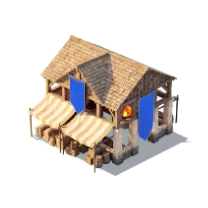
Market about a gold every 4 seconds, by itself
The Expedition
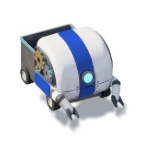
- 6 Bots at once
 thorium
 energy
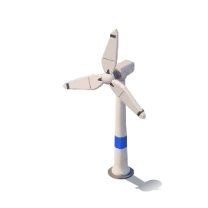
Wind turbine up to 5 per Data center, by itself
Every base has a gold mine a few steps from its headquarters. Workers mine only when you send them: select them, then tap or click the mine.
- A new worker waits by your Castle or Data center, or walks to the mine its rally point is set on.
- Up to eight Villagers, or six Bots, work a mine at once; more wait their turn, and a worker at a crowded mine moves to a quieter one nearby.
- A worker who finishes a building waits beside it. Send it back.
Gold by itself. The Kingdom's Market earns about a gold every four seconds with no workers, one per Castle; Trade research raises it. The Expedition's Wind turbines generate energy by themselves, up to five per Data center.
A new base. Build a Castle or a Data center by another gold mine. The headquarters keeps a few tiles off the mine; the game shows you where it fits.
Building
Select a worker and tap Build. What needs another building first is under Advanced, which opens once your Barracks (the Expedition: Recruiting post) stands; each building shows up as it opens.
- Villagers repair damaged buildings (the Repair button, or right-click the building): a quarter of the price for a full fix.
- A Bot stays at each building until it stands, and repairs buildings too (not machines).
- A building that lost its builder waits, half built, until a worker returns to it.
Population and the grid
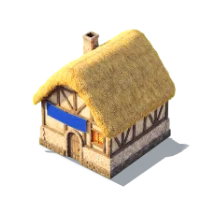 POPULATION up to 120
Cottage +8 each
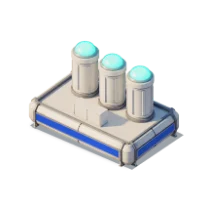 GRID up to 150
Substation +10 each
POP 36/36 the number turns red and pulses when not even a worker fits
Every unit needs a place. The Kingdom calls it population: the Castle gives 20, each Cottage 8, up to 120. The Expedition calls it the grid: the Data center gives 22, each Substation 10, up to 150.
When the number at the top turns red and pulses, not even a worker fits: build a Cottage or a Substation before you train more.
The Expedition is different
- thorium
- energy
- builds and trains
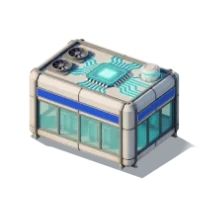
Energy builds things; the grid keeps them running. Bots dig thorium from the same mines, and the Data center's small reactor turns it into energy. Energy is spent where the Kingdom spends gold; the Recruiting post prints coins from it to pay the locals.
Machines need signal. Buggies, Drones, Rovers and Androids move faster inside the coverage of a Data center (18 tiles) or an Uplink (54 tiles), and slower outside it: they can go anywhere, but an Uplink near the fight keeps them quick. Sellswords and Bruisers are hired locals: they need no signal.
Building inside the signal. The Expedition's buildings go up only inside coverage. A new Data center and an Uplink can go up anywhere you have explored, and a building keeps working if its coverage is lost later.
No armor. Its units are deadly but fragile. The Lab's Energy efficiency makes its machines cheaper instead.
The path to the Portal. The Lab unlocks the Uplink, and the Uplink the Portal: one per player, and it teleports only while an Uplink stands.
How to win

- Scout and hold. The enemy's first wave comes early. A Watchtower or a Sentry mast by the mine, and a few soldiers, hold it.
- Spend the gold. A bank wins nothing. More Barracks or Recruiting posts train faster.
- Expand. A second mine doubles your income; defend it.
- Then go. Select the army (ARMY or Q), attack-move into the enemy base, and bring down the Castle or the Data center.
The levels. Easy: small, slow attacks that give up quickly, for learning. Medium: the whole game at an even pace, with no bonus. Hard: attacks sooner and harder, and gathers a little faster than you.
Pause. P or PAUSE shows the clock. Against a friend the game goes on under it; PAUSE FOR EVERYONE stops it for both (three a game, five minutes at most). After a win against the computer, SHARE sends a friend the same game as a challenge.